
Password-Protected Admin
All editing tools live behind a secure, password-protected admin page that isn't publicly accessible. Your content management area is locked down and only accessible to authorized users.
Custom Content Management
A Content Management System, or "CMS," is not a generic dashboard or a third-party platform. It's a lightweight, password-protected admin area designed around the site's actual content—so updates stay simple, the design stays intact, and the site stays fast.
Content can be edited from anywhere, including on your phone. Updates can be made at home, on the road, or between gigs—without touching code.
Below are just a few examples of what you can do with the keys to your website.
All editing tools live behind a secure, password-protected admin page that isn't publicly accessible. Your content management area is locked down and only accessible to authorized users.
The admin interface is mobile-friendly, so content updates can be made from desktop, tablet or phone. Perfect for updating show dates, adding new portfolio pieces, or posting announcements on the go.
Instead of forcing your content into a template, the CMS is built to match the site's structure—keeping the experience clean and easy. Each CMS is tailored to the specific content types your site actually uses.
Update headlines, descriptions, and copy with save and revert options.
Upload, organize, and manage photos, videos, and audio files.
Manage dynamic lists like show dates, portfolio items, or blog posts.
Add and manage YouTube, Vimeo, or other embedded content sources.
A centralized management interface for editing site content without touching code. Designed to keep updates fast, organized, and low-friction across core sections of a custom website.
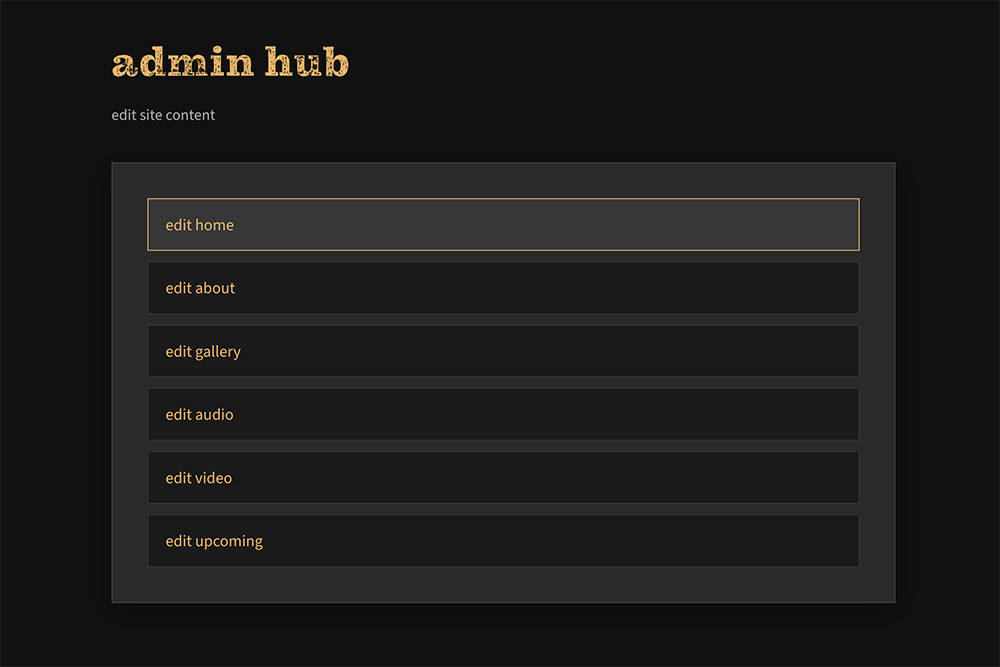
A single admin hub to access each content area.
Edit key text fields with save and revert actions. A status panel confirms when content is loaded and when updates are successfully saved.
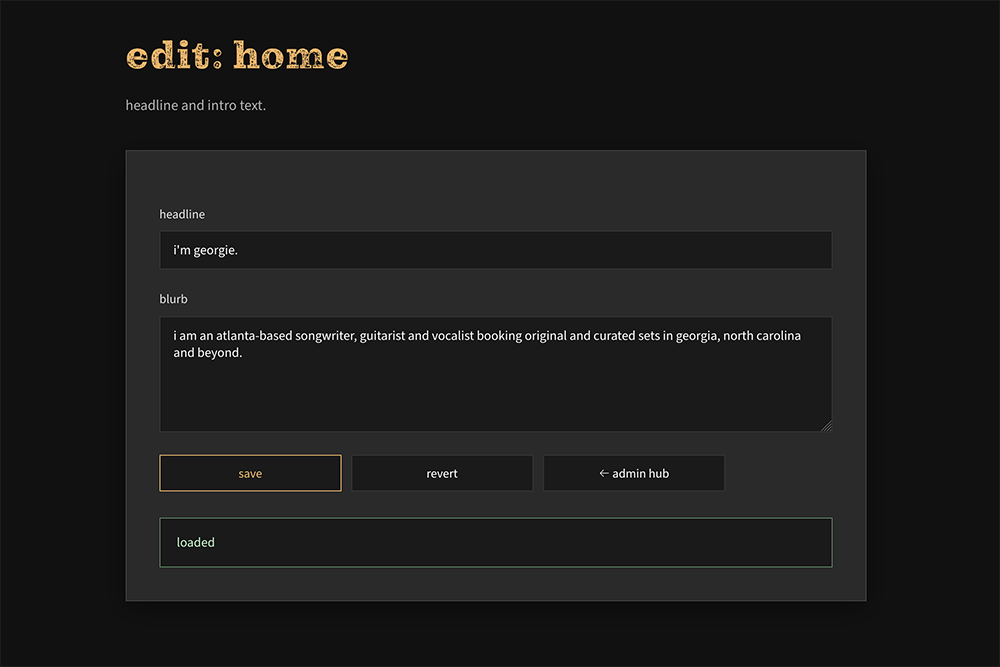
Edit text, save changes or revert safely.
Manage site content through a clear, structured interface. Items can be reordered, edited, or removed while keeping everything organized and easy to review.
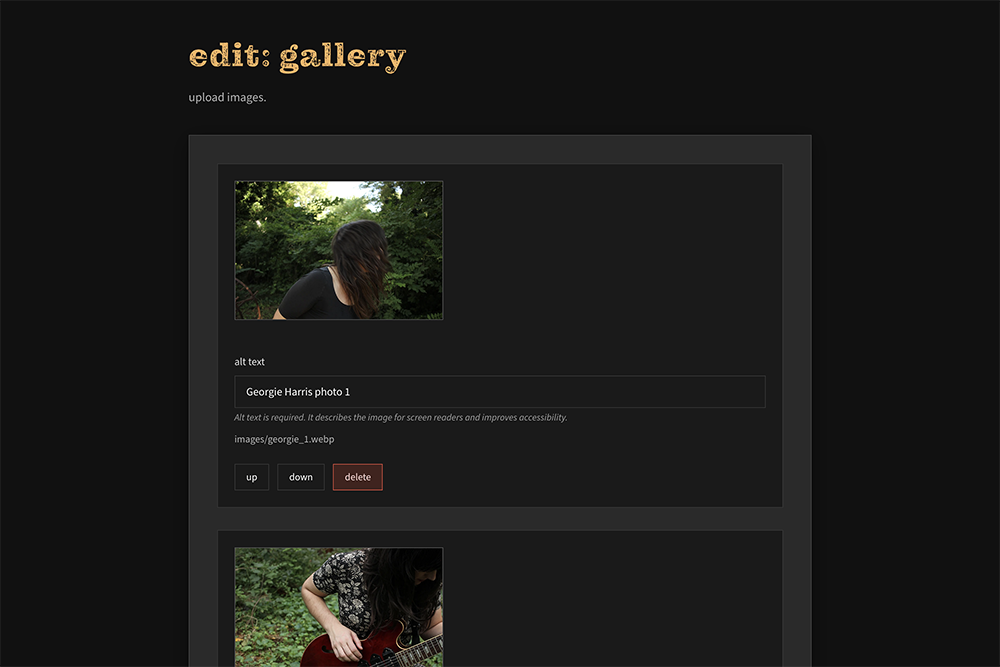
Keep content organized and descriptions up to date.
Make updates to media content with clear controls and immediate feedback. Changes are easy to review, save or undo, so updates stay deliberate and stress-free.
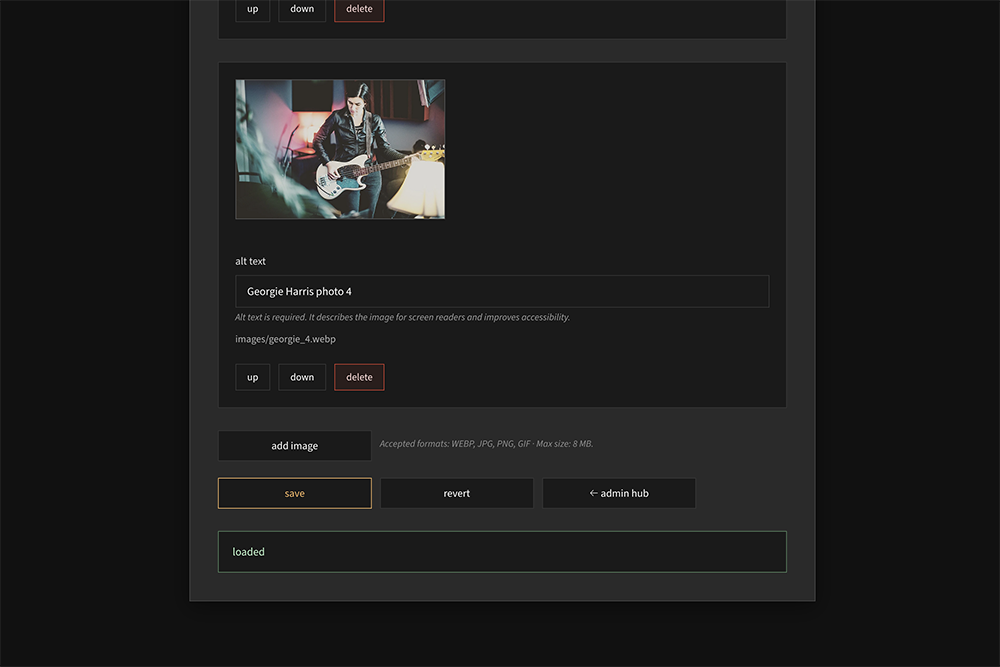
Update media confidently and with clear feedback.
Select a content source and manage embedded assets through a simple, structured interface. Existing items display with clear previews and editable fields, making updates predictable and low-stress.
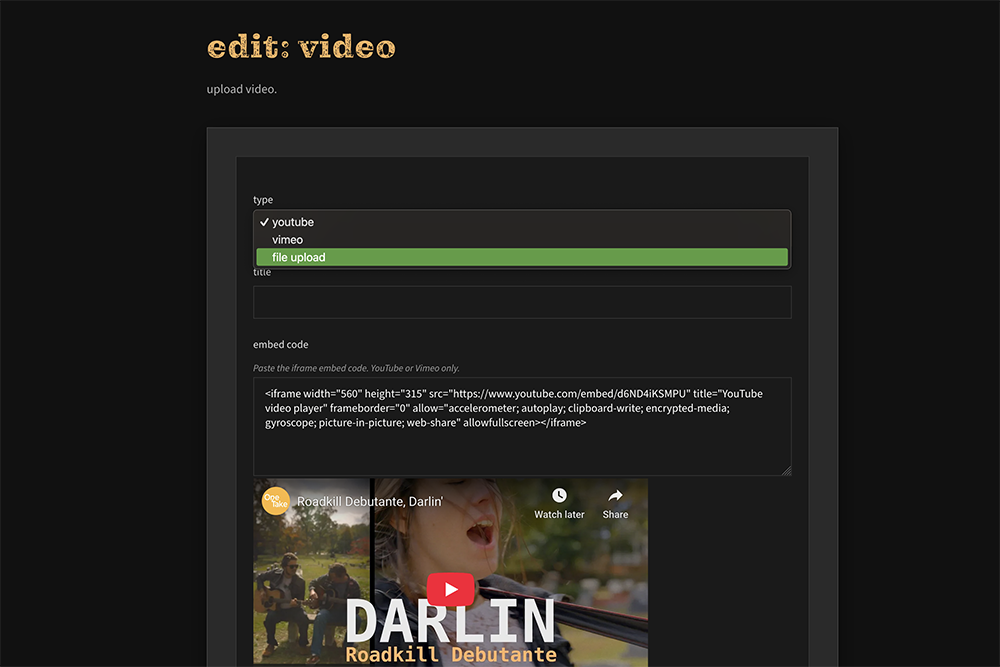
Pick the source type and manage embeds with confidence.
If your site content rarely changes and you're comfortable with occasional code edits, a static site without a CMS might be the right fit. Simple portfolio sites or one-page landing pages often don't need content management.
However, if you need to update content regularly—show dates, new portfolio pieces, blog posts, or business information—a CMS saves time and eliminates the need to contact a developer for every change.
Yes, a CMS can be added to an existing custom site. However, it's more efficient to plan for it during the initial build, as the CMS structure is designed around your site's content organization.
The CMS is designed to be straightforward. If you can use a basic form or email interface, you can use the CMS. I provide documentation and can walk you through the process.
Ready to add a CMS to your site, or build a new site with content management built in?
CMS add-on pricing available. See pricing details →
Add a CMS